How To Disable Clash Effect On GHv4 Saber
Some users wish to remove the Clash Effect for this soundboard. The following guidance will show you how to change these settings on your saber. Before making any changes, please save a copy of all the files on your saber so that you can start over if needed!
-
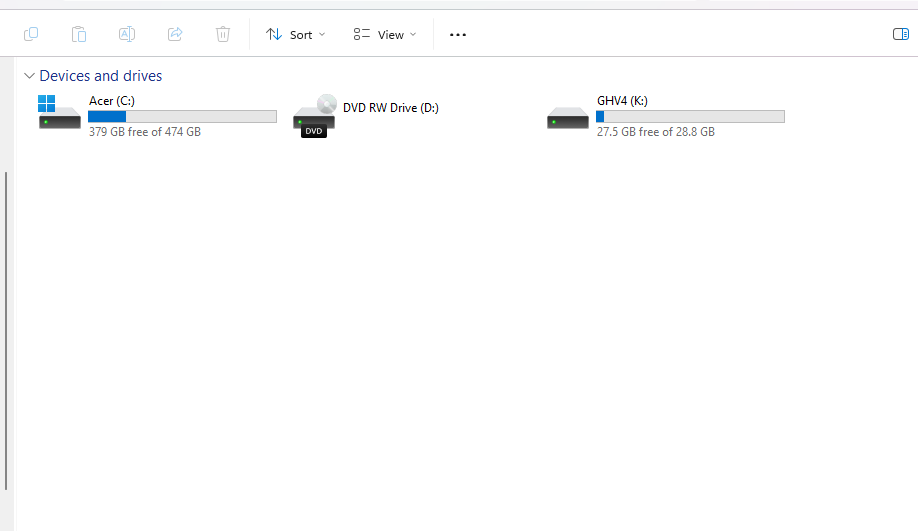
Connect your saber to your PC while your saber is in idle mode (the blade is not ignited and the saber is not in deep sleep mode). Locate the drive labelled "GHv4".
-
Open the "general." or "general.txt" file

-
Scroll down and locate "clash_threshold=" and "stab_threshold="

-
Add a zero to the number listed next to both "clash_threshold=" and "stab_threshold=", changing the value from three thousand to thirty thousand. This raises the threshold for how much force is needed to trigger clashes and stab effects/sounds, effectively disabling these features.
Need more help? Email Help@saberforge.com